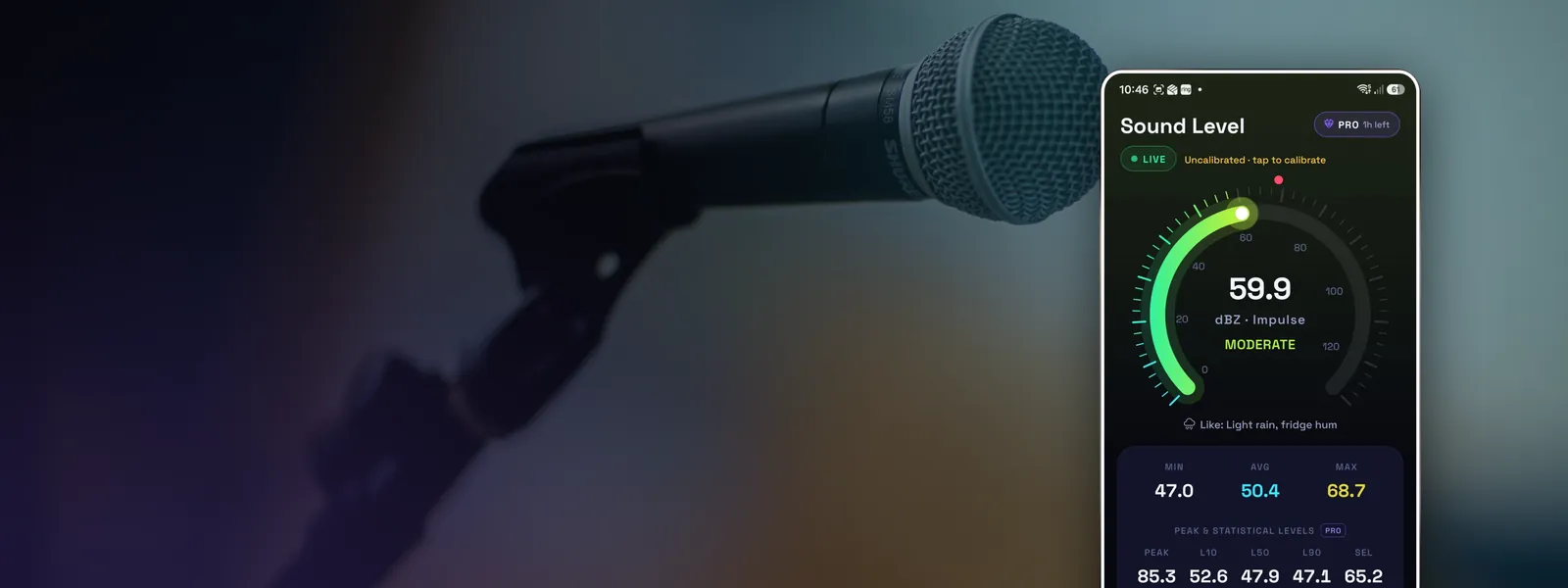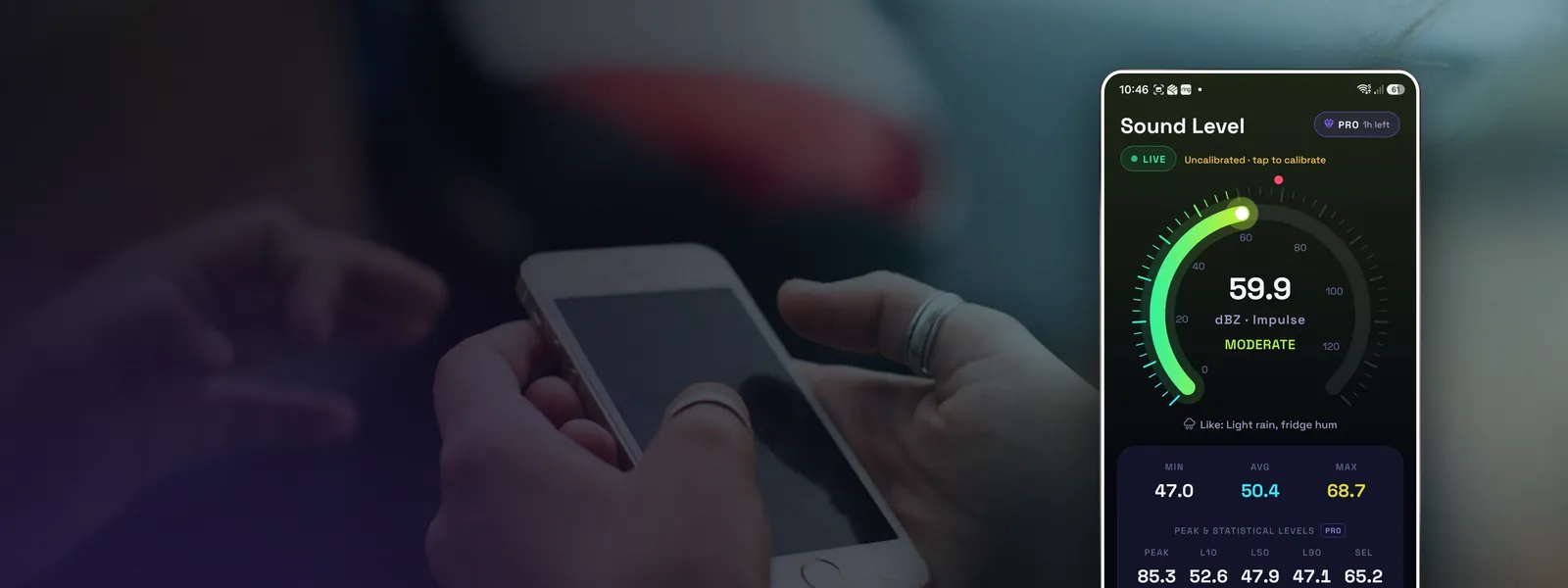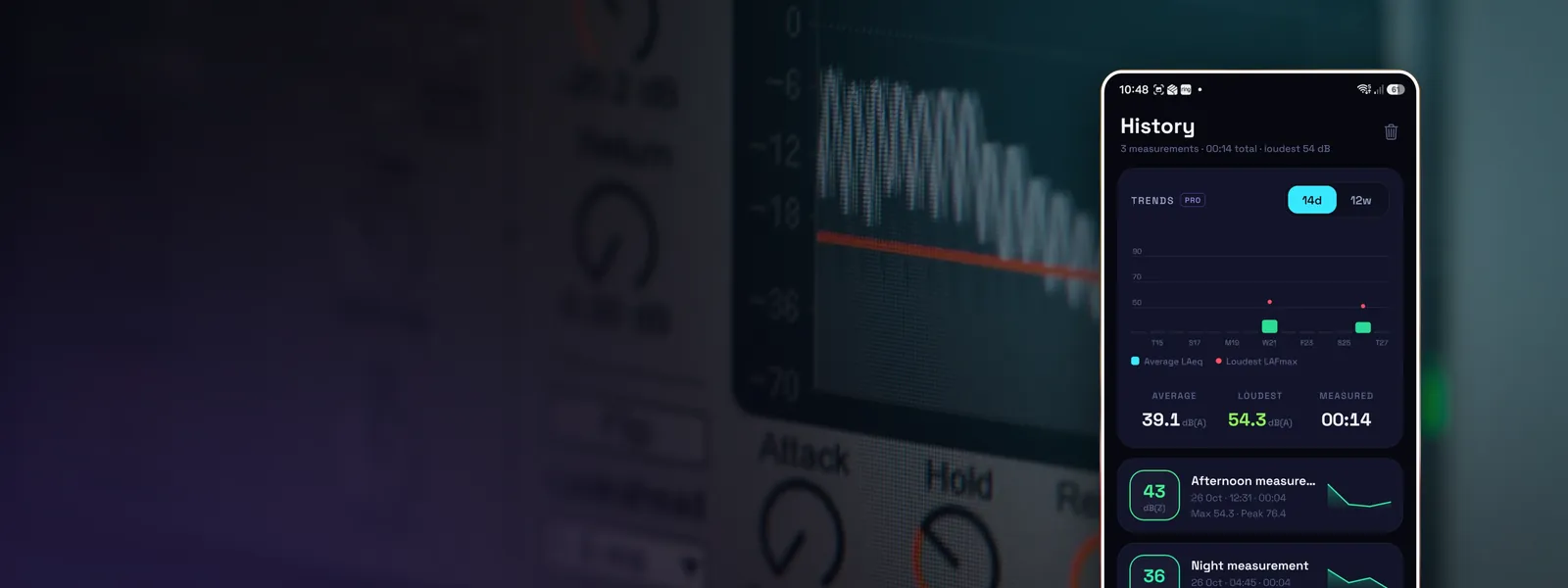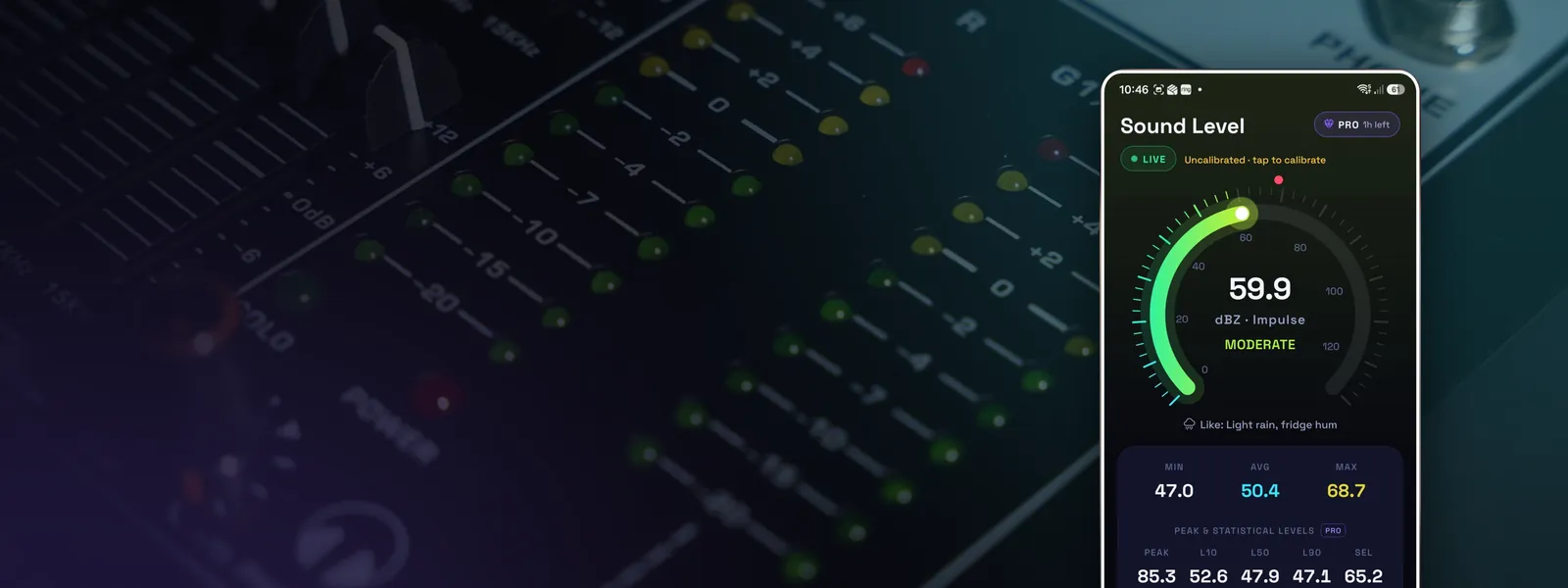
Every phone microphone is a little more or less sensitive than the spec says. Calibration measures that difference once and corrects for it, so every reading after that is closer to the truth. Done properly, it typically brings a good app from within a few decibels to within about 1 dB for everyday levels.
Calibration doesn't fix everything. It corrects a constant offset. It can't extend the range of a microphone that overloads at loud levels or make it hear deep bass it physically can't pick up.
Before you start
- Use an app that reads raw audio. Calibrating an app that measures through the phone's call processing doesn't work well, because the processing changes the level depending on how loud things are. See are decibel meter apps accurate?
- Take the case off, or calibrate with the case you'll always use.
- Pick a quiet room with soft furnishings and no fans or traffic noise.
- Use dB(A) and Slow for the comparison. Slow time weighting (1 second) makes the number steadier and easier to match.
Method 1: match a reference sound level meter (best)
If you can borrow a proper sound level meter, this is the most reliable method. A certified Class 1 or Class 2 meter is ideal. A decent handheld meter from a music or electronics shop is less exact but still a useful reference.
- Play a steady sound. Pink noise from a speaker is ideal, but a constant fan, an extractor hood or a tap running into a sink will do. Aim for somewhere between 60 and 85 dB(A).
- Put the reference meter and your phone's microphone side by side, as close together as you can, at the same distance from the source.
- Set both to dB(A), Slow.
- Wait for the readings to settle and note both, ideally the average over 30 seconds.
- In your app's calibration screen, enter the difference or use a "match reference" option so the phone reads the same as the meter.
- Repeat at a second level, say 10 dB louder, to check the correction holds.
Method 2: use an acoustic calibrator
An acoustic calibrator is a small device that fits over a measurement microphone and plays a precise 94 dB or 114 dB tone at 1 kHz. They're designed for proper measurement microphones, and they rarely seal properly over a phone's tiny microphone hole, so the result can be off. If you have an external measurement microphone that plugs into your phone, a calibrator is the right tool. For the built-in mic, method 1 is more dependable.
Method 3: a known sound (rough, but better than nothing)
With no reference meter, you can sanity-check against sounds with fairly predictable levels:
- A quiet bedroom at night with everything off is usually around 25 to 35 dB(A). If your phone reads 50, something's wrong.
- Normal conversation between two people about 1 m apart is roughly 55 to 65 dB(A).
These are too variable for a precise calibration, but they'll catch a phone that's 10 dB out.
Checking your calibration
Once calibrated, check every few months, and after any of these:
- a phone software update (manufacturers sometimes change audio processing);
- a new case;
- a drop or water exposure, which can partly block the microphone.
A quick check against a reference meter or a known quiet room takes a minute.